Your idea,
live now
Drop the folder, or let your AI agent deploy it. An address right away, and every version kept. No need to know what a server is.
6 real sites, live. All samples
Three steps. And you are live.
Upload
Drop the site folder, copy instructions for your agent, or ask ChatGPT or Claude.
We check
If something will not work, the agent gets an exact list of what to fix.
Live
An address right away. A free account keeps the site, and a paid plan adds your own domain.
Build it any way you like.
We put it online.
Works with ClaudeClaude Code
 ChatGPTCodex
 GeminiAntigravity
 CopilotVS Code
 CursorCursor Agent
Copy the instructions and paste them to your agent in the site's folder. It checks, fixes, and puts it on a temporary address once you approve.
No site yet? Start from a sample
What do I need?
- An AI agent that works on your computer, in a folder: Claude Code, Cursor, Codex, Copilot in VS Code or Antigravity. A chat in the browser is not enough.
- Node.js. If it is missing, the agent helps you install it.
- A computer (Windows, Mac or Linux). On a phone you can email yourself the steps.
Other ways:Upload the folderConnect ChatGPT or Claude
Every deploy to live needs your approval.
Everything it takes
for your site to really work.
Less technical hassle. More time for your business.
- A live address, right awayOne link to open, copy and send to customers.
- An update? Ask your AI.Go back to the tool you built with, ask for a change, and approve it here.
- Room for your data tooA database and file storage for each site in your account, each kept separate.
- Your own domainConnect a domain on a paid plan, with a secure connection.
Every change is saved. You can always go back.
Every upload is a new version with its own preview address. It goes live only after you approve it, and if you do not like something, you go back to an earlier version in one click.
- Every change is savedEach upload is kept as a version, with what changed in it.
- See it before it goes liveEvery version has its own address. Check it on your phone, then approve.
- Go back in one clickA mistake? Pick an earlier version and it is live again.
No site yet? Start from a sample
Each sample is a working site, with instructions you copy to your agent.
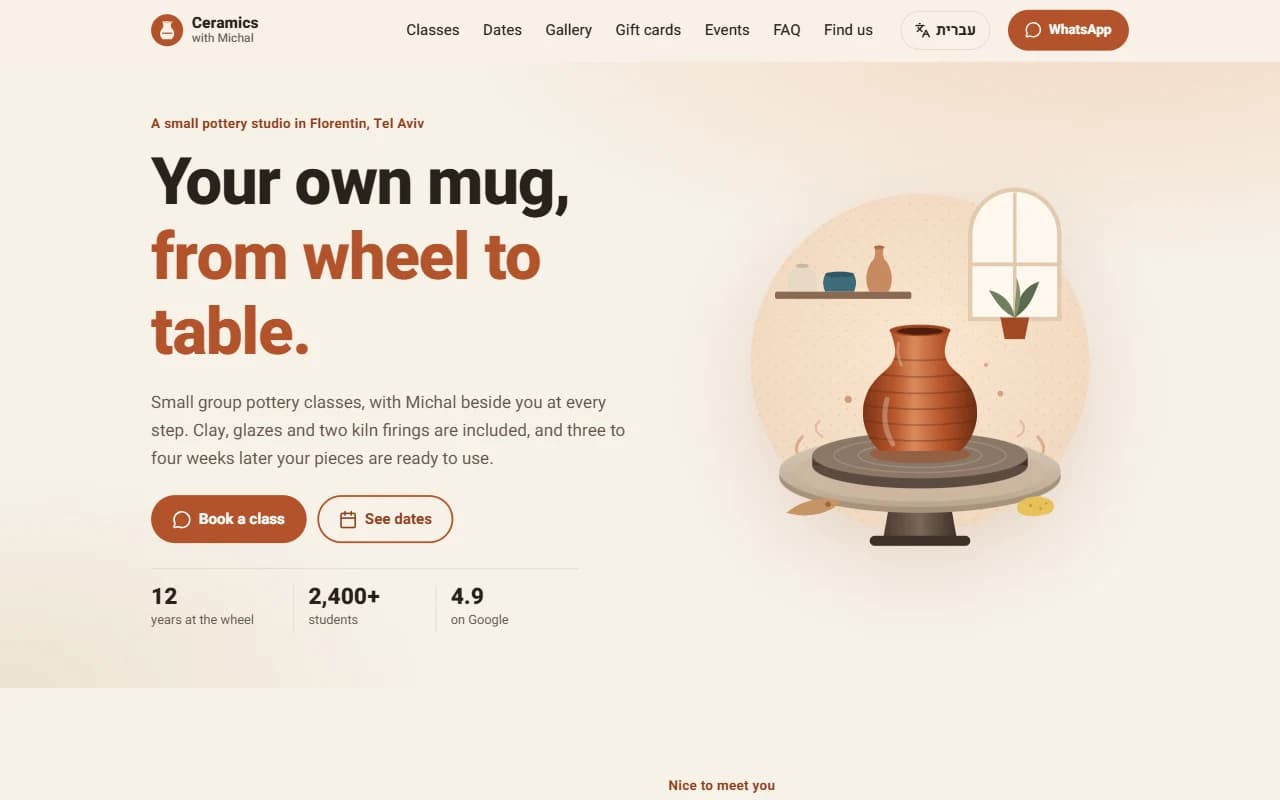 Landing page and business cardOne page, a WhatsApp button, very fast
 Business site with a contact formPages, opening hours and a contact form
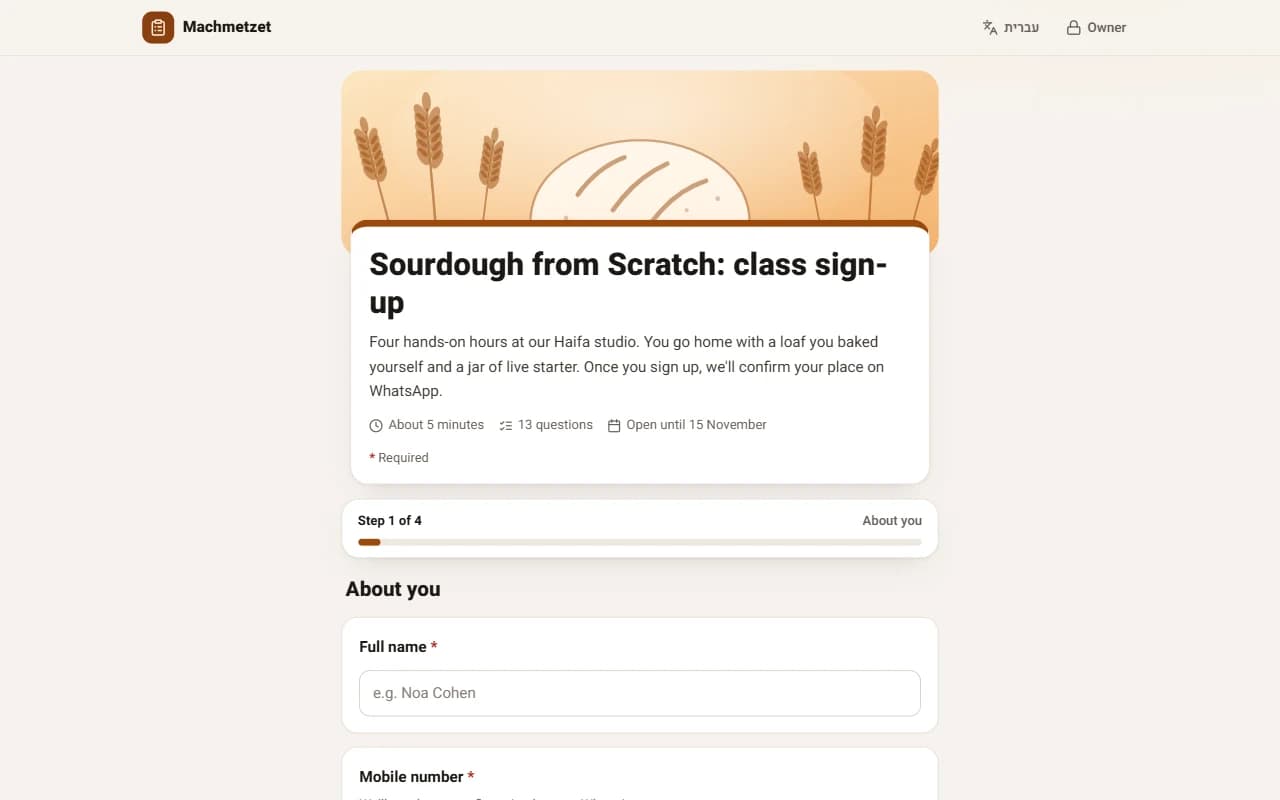 FormsSign-ups, surveys and RSVPs, with an answers summary and charts
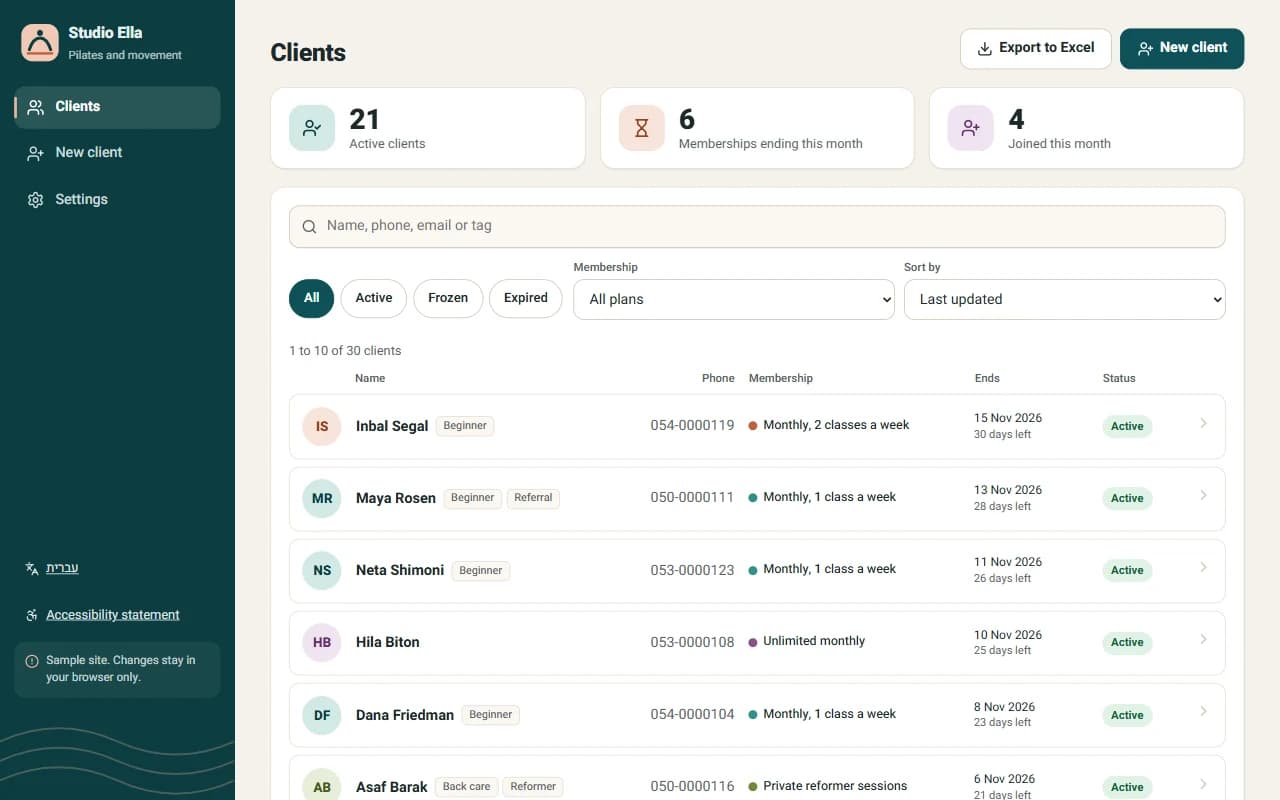 App with dataLists, add, edit and search
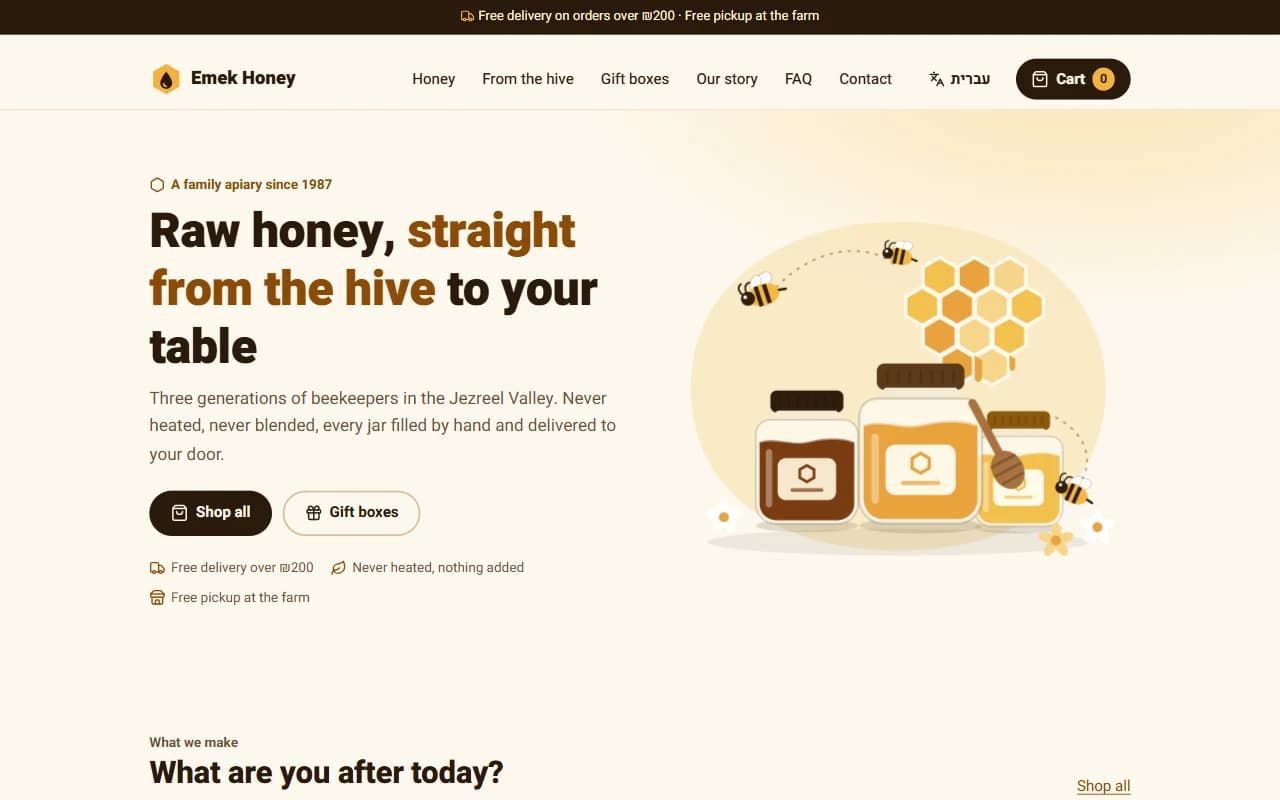 Small shopCatalog, a page per product, cart and orders
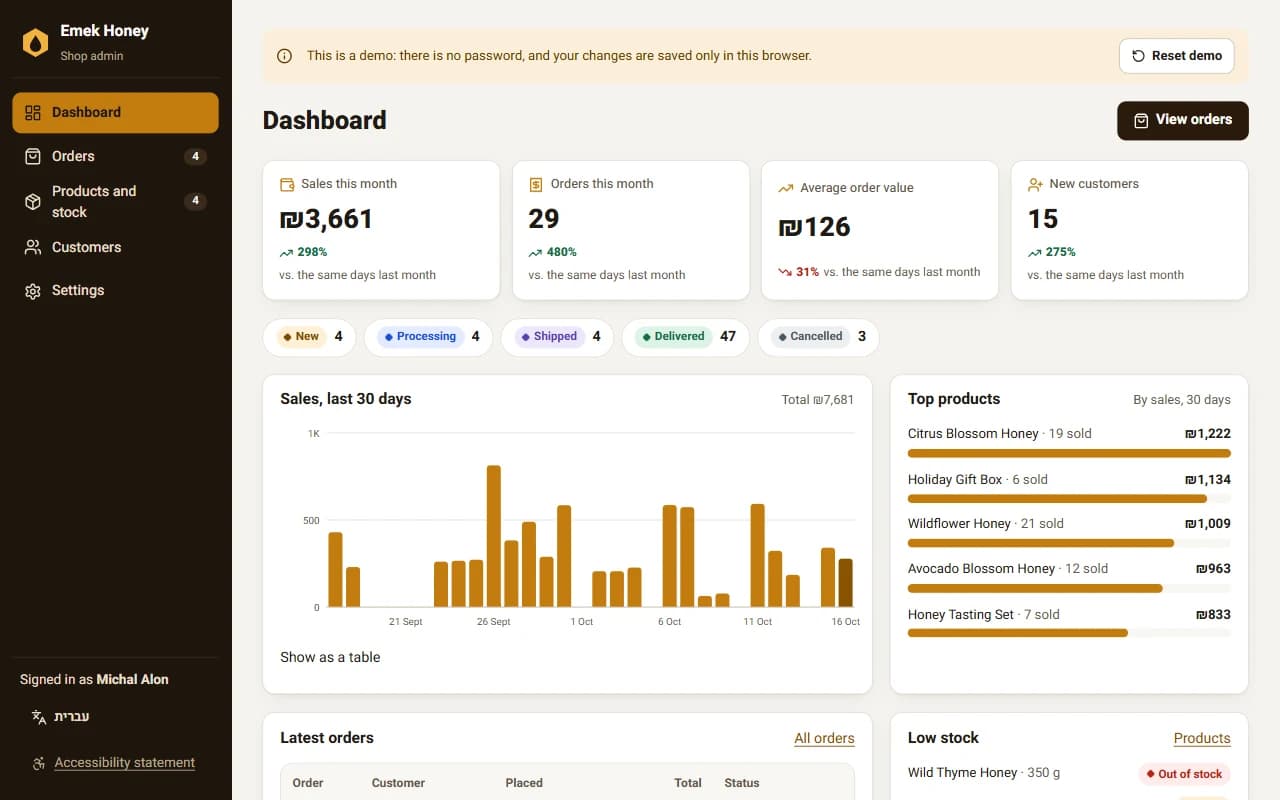 Management systemLogin, dashboard, orders and stock
Start free. Grow at your own pace.
Basic
RecommendedOne site, with your own domain
₪39+ VAT
₪46.02 including VAT- One site live
- Your own domain
- Analytics with sources, countries and pages, 90 days
- Storage for your database and files, 1,000MB
- 50,000 page views a month
- 1,000 emails a month from your site
- Help with deploys
- No DeployAI badge
Prices are before VAT, and the full price including VAT shows under each price. Paid plans renew automatically, and you can cancel the renewal at any time from your account, with no retention call. The plan keeps working until the end of the period you paid for. The free plan has quotas and fair use.
Questions
I do not have an AI agent. What now?
Install one that works on your computer, in a folder: Claude Code, Cursor, Codex, Copilot in VS Code or Antigravity. Most have a free plan or a trial. If you already have ready HTML files, you need no agent: drop the folder on the Go live page.
I only have a phone. Will it work?
The agent works on a computer (Windows, Mac or Linux). You can start on the phone: pick a sample or a new site, and email yourself the steps to open on the computer. Once the site is live, you see and manage it from the phone too.
Do I need to know how to code?
No. You talk to the AI in plain words, and it does the work. We give it exact instructions.
Is the free plan really free?
Yes. One site live on our address, with quotas and fair use. There is no credit card, so there is no surprise charge either: when you get close to a quota, we email you.
Which sites can I put online?
Business sites, landing pages, forms, apps with data, small shops and management systems. Each kind has a sample site, and you start from one line you copy to your agent.
Can I use ChatGPT or Gemini?
Yes. Through their coding agents, Codex in the ChatGPT app and Antigravity from Google, or by connecting ChatGPT or Claude to your account directly: the chat uploads a small site it wrote, and a bigger site is dropped on the site's page. Claude Code, Cursor and Copilot in VS Code work too.
What happens if an update fails?
The previous version stays live. Your agent gets an explanation of what to fix, and you try again.
Can I use my own domain?
Yes, on paid plans. You get simple instructions for what to change at your domain registrar.
Who can open my site?
By default a new site is open to visitors from Israel and from the country you created it in, and search engines and link previews reach it from anywhere. In the site settings you can open it to every country or pick countries.
Who fixes it if something breaks in the code?
We help with everything about deploying. For code problems, your agent gets a ready prompt from us to fix it.